
A suspicious login appears on one of your accounts. An employee opens an attachment and their computer starts behaving strangely. A customer receives an email from your business that no one sent.
What do you do?
Many businesses don’t answer that question until something has already gone wrong. They may have someone who fixes the occasional computer problem, but no established IT provider with access to their systems and an understanding of how the business operates.
Those initial 48 hours after a cyber incident are critical. If you already have an IT provider, you don’t need to spend that time finding someone who can help. They already know your systems and have the access needed to start investigating the problem. This is why we recommend establishing that relationship before an incident occurs.
This guide explains what to prepare before an incident and what to do if you discover a problem today.
Before there is a problem: decide who you will call
Your cyber incident plan should start with knowing who you will call if something goes wrong.
Trying to find the right IT support while an incident is already happening adds time when you need help quickly. Having an IT provider in place means they already know your business and systems and have much of the access they need to start investigating.

When choosing an IT provider, make sure you understand:
How to contact them if you suspect a cyber incident
What information they will need from you
Who within your business can contact them
What access they will have to your systems
What employees should do while waiting for technical advice
For Think Concepts managed services customers, remote monitoring and management tools are already installed on supported devices. This means our team has existing access to those systems when an incident needs investigation.
If you do not have an IT provider when an incident occurs, Think Concepts can still help. It will take some additional time to understand your environment and establish the access needed to begin investigating.
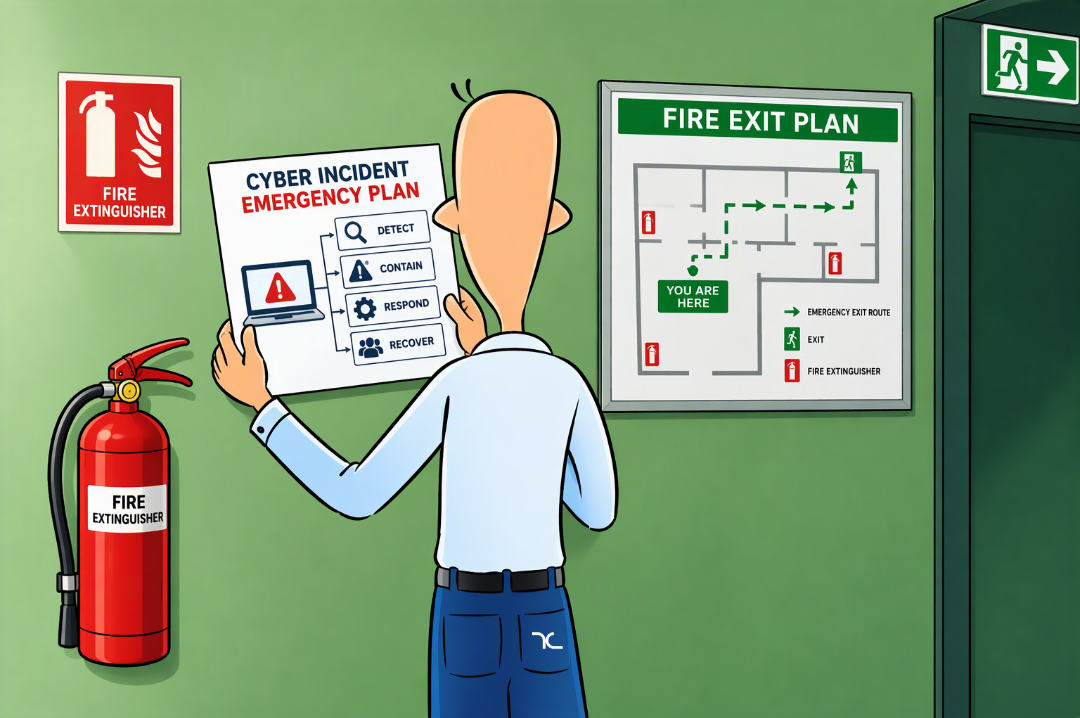
Create a simple incident response plan
An incident response plan does not need to be a long technical document. It needs to tell people what to do when something unusual happens.
Include:
The name and contact details of your IT provider
Who employees should notify internally
Who can make decisions during an incident
Which systems are most important to the business
Where backup and insurance contact details are stored
How actions and decisions will be recorded
Who will manage communication with employees and customers
Store a copy somewhere that remains accessible if your normal systems are unavailable.
Think Concepts can work with businesses to prepare an incident response plan and identify the systems that should be recovered first.
Understand how long recovery may take
Businesses often have an assumed recovery time but have never tested it.
Consider how long it would take to:
Secure affected accounts
Check or rebuild computers
Restore files from backups
Restore access to essential systems
Confirm that employees can work safely
For one customer we helped with recovery planning, we found that rebuilding every device and restoring their essential systems could take around seven days. Knowing this gave the business a realistic timeframe to plan around if a serious incident occurred.
Your recovery time will depend on the incident, your systems, the condition of your backups, and the support arrangements already in place.
Check your backups before you need them
Know what is backed up, where those backups are stored, and how information would be restored.
Files stored or synchronised in Microsoft 365 are not automatically the same as having a separate backup. If information is deleted, changed or made unavailable during an incident, a separate backup gives your business another way to recover it. ThinkSafe provides off-site backups that are kept separately from your main systems, so there is another copy available if your primary data is affected.
Having the right monitoring in place can also help spot suspicious activity earlier. Security Plus Managed Services provides ongoing security monitoring, giving our team more information to work with if something unusual occurs.
An incident is happening now. What should you do?

If you already have an IT provider, contact them and follow their instructions.
If you do not have an IT provider, contact an experienced IT or cyber security provider as soon as possible. Explain that you are dealing with a suspected cyber incident and do not have an existing support arrangement.
While you wait for technical guidance, focus on preserving information and preventing unplanned changes.
The first few minutes: record and report
Write down what first raised concern.
Record:
What happened
When it was noticed
Who noticed it
Which account, computer, or system appears affected
Any messages or warnings that appeared
Actions that have already been taken
Take screenshots or photos if this can be done without continuing to use the affected system.
Avoid deleting emails, clearing activity, resetting several accounts, or making broad system changes unless your IT provider instructs you to. These actions can remove useful information or make the incident harder to investigate.
If you feel comfortable doing so, disconnect an affected computer from Wi-Fi or remove its network cable. Do not switch it off unless your IT provider tells you to. If you are uncertain, leave the device alone and wait for instructions.
The first few hours: establish what is affected
The IT provider will need to understand what happened and determine whether the activity is continuing.
They may need information about:
The affected accounts, devices, or systems
Unexpected logins or password changes
Suspicious emails or attachments
Information that may have been viewed or shared
Other employees experiencing similar problems
Recent changes to the business’s systems
The provider may review account activity, security logs, device information, and available alerts. What they can examine will depend on your systems and the access available.
Nominate one person to coordinate communication with the IT provider. This gives the provider a reliable contact and keeps the business’s information consistent.
Before the first 24 hours are over: understand the impact
You may not have a complete answer within 24 hours. Some incidents take longer to investigate.
At this stage, focus on understanding:
What is known
What remains uncertain
Whether the immediate activity has been contained
Which systems can be used safely
What the business needs to do next
Who else needs to be involved (if anyone)
If personal information may be affected, your business will need to check which obligations apply under the Privacy Act 2020. The Office of the Privacy Commissioner provides guidance and a self-assessment tool for privacy breaches.
If your business has cyber insurance, follow your insurance provider’s current advice.
Communicate carefully
Employees need practical instructions, not unconfirmed technical details.
Tell them:
Which systems they should or should not use
What unusual activity they should report
Who they should contact with questions
When they can expect another update
Do not confirm the cause or extent of the incident before those details have been established.
Communication with customers or other external parties should be based on verified information and the obligations that apply to your organisation. Your IT provider can explain the technical findings, but the business remains responsible for deciding how it meets its privacy and contractual requirements.
The next 24 hours: begin recovery
Recovery may happen in stages.
Your IT provider may need to secure accounts, check devices, restore information, or monitor systems before normal work can resume.
You can ask:
Which systems can now be used?
Which systems should remain unavailable?
Do any devices need to be checked or rebuilt?
Can affected information be restored?
What instructions should employees follow?
What monitoring will remain in place?
A single compromised account and a wider incident involving several systems require different responses. Avoid setting a recovery deadline until the provider understands the scope of the problem.
Quick answers to common questions:
Who should I contact first?
Contact your established IT provider.
If you do not have one, contact an experienced IT or cyber security provider and tell them you are dealing with a suspected incident. Think Concepts can help businesses without an existing support arrangement, although some initial time will be needed to understand the environment and arrange access.
Should I disconnect the affected computer?
Follow your IT provider’s instructions.
If no technical help is immediately available and you feel comfortable doing so, disconnect the affected computer from Wi-Fi or remove its network cable. Do not switch it off unless instructed.
Should I change passwords?
A password change may be required, but timing matters. Follow your IT provider’s instructions about which accounts should be secured and in what order.
A password change alone may not resolve the incident if someone still has another form of access.
How do I know what information was affected?
Your IT provider may review account activity, system logs, device information, and security alerts. The available evidence depends on how your systems are configured.
An established provider will usually have a better starting point because they already understand your environment and may have monitoring tools in place.
How do I find out how the attacker got in?
An investigation may identify a suspicious login, malicious email, affected device, vulnerable application, or another entry point.
Avoid conducting your own investigation or deleting anything that may help the technical team understand what happened.
Can Think Concepts help if we are not already a customer?
Yes. If you are not already a Think Concepts customer, we can still help, but we would first need to set your business up as a customer. As part of this process, we will gather the information and access needed to assess the incident and begin technical work.
Businesses with an established managed services arrangement usually have a faster starting point because monitoring, system information, and remote access are already in place. New customers will need this initial setup before technical work can begin.
Do not wait for an incident to choose your IT provider
A plan cannot prevent every cyber incident, but it removes one major question from the first few minutes: who do we call?
Choose your IT provider, confirm how incidents should be reported, and make sure employees know the process. Review your backups and identify the systems the business needs first during recovery.
If you do not have an IT provider, Think Concepts can help you put these arrangements in place before an incident happens. If you are already dealing with a suspected incident, contact the team and explain what you have noticed.