
Double-click to edit...
A marketing administrator sets up the company's Google Business Profile. She creates the password, gets everything verified, and it all works. Five years later she moves on. There is no handover, the password is not saved anywhere shared, and nobody thinks to ask for it because everything still works.
Then the business needs to update its opening hours and discovers that no one can get in. The profile that represents them on Google Maps and in local search is now tied to someone who no longer works there, and that person may no longer remember or have the credentials either.
That is a true story, and it points to something most businesses get wrong about employee offboarding. It is not just a security exercise. It is a continuity exercise. When someone leaves, two things can go wrong, and they pull in opposite directions.
The two ways offboarding fails
The door left open.
The departing staff member retains access they no longer need. Their login still works, their OneDrive is still syncing, their personal email is still attached to a business account. This is the risk everyone writes about, and it is real. It does not usually start with bad intent. It just takes a device that is out of your sight and out of your control, being used by someone new, for something else.
The locked door.
The departing staff member takes account access with them. They were the one nominated to set up the Facebook page, the Google Business Profile, or the account with a supplier, and the credentials effectively left when they did. Nothing bad happens for months. Then you need to change your address, or respond to a review, or update a listing, and you cannot.
A proper offboarding process closes the first door and holds the second one open. In our experience, this is a common gap for many businesses. They remember the leaving morning tea and the laptop return, but the account access is often less clear.
How much access does one person actually have?
Ask a business owner what a departing staff member could log into and they will usually name the big ones: email, the shared drive, maybe the accounting software. The real list is much longer. For a typical office role, it can include:
Email and calendar, plus any personal email addresses attached to business accounts
OneDrive, SharePoint or Google Drive, including sync connections on devices you do not manage
Teams or Slack, and your VoIP phone system
The company Facebook page, Instagram account and Google Business Profile
Your newsletter platform, which is not just a login. It is your entire client database
Vendor and supplier accounts, often with saved payment details
Banking user access, Adobe and other software subscriptions, browser profiles with saved passwords
Every one of those is either a door left open or a door you can be locked out of. The newsletter platform is a good example of both at once: an ex-employee with that login can see and export your client list, and a business without that login cannot email its own customers.
Common questions about employee offboarding
What should an employee offboarding checklist include?
It should include every system the person could log into, a hard cut-off date and time for access removal, device-side checks for sync connections and signed-in apps, rotation of shared and stored passwords, recovery of any accounts only they held, removal of personal email addresses from business accounts, and reclaiming software licences.
What is the biggest security risk when a staff member leaves?
Cloud file storage still connected to a device the business does not manage. An ex-employee with OneDrive or Google Drive still syncing on a personal laptop can see company files long after their last day.
Can we lose access to our own accounts when someone leaves?
Yes, and it is common. If one person set up your Google Business Profile, Facebook page or a supplier account, and the credentials were never shared, those accounts leave when they do. Confirm the business holds admin access before their last day.
Does BYOD make offboarding harder?
Yes. If the business cannot manage or remotely disconnect a personal device, it is much harder to confirm company data has been removed when someone leaves. Whether you support BYOD or provide company devices, reviewing connected devices should be part of every departure.
The riskiest one: files that follow people home
If you had to pick the single biggest exposure, it is cloud file storage still connected to a device the business does not control. Someone works from home on their own laptop, OneDrive is set up and syncing, and then they leave. If nobody disconnects that link, they can still see and open company files after their last day. Not because they hacked anything. Because nobody turned it off.
This risk is even greater where staff use personal devices for work. If a business cannot manage or remotely disconnect a device, it becomes much harder to confirm that company data has been removed when someone leaves. Whether your business supports BYOD or provides company devices, reviewing connected devices should always be part of the offboarding process.
The unofficial owner problem
The bigger issue is ownership. Over time, staff can become the unofficial owner of systems simply because they were the person who set them up. If their email address, recovery details or admin login are the only way back in, the business has a continuity problem. That problem often stays hidden until someone needs to update a listing, contact a supplier or send a customer email.
Your employee offboarding checklist
Here is the core of a solid offboarding process. The goal is that by an agreed date and time, every open door is closed and every credential the business needs has been handed over.
List every system before you need it. Keep a live record of what each role has access to. The worst time to build this list is the week someone resigns.
Set a hard cut-off. Access removal should happen by a specific date and time, not "sometime after they leave".
Disconnect devices, not just accounts. Removing a login does not always break an existing sync connection or an app that is already signed in.
Check the device side too.Change shared passwords and stored ones Anything the person knew or had saved should be rotated. This matters because it is common for the same password to be reused across multiple accounts, or for staff to use a familiar personal password when setting up a company login. A password manager makes this easier to control because passwords are stored, shared and changed in one managed place, rather than being handled manually.
Recover the accounts only they held. Social profiles, Google Business Profile, supplier portals. Confirm the business retains admin access before their last day, not after.
Detach personal email addresses. Any business account set up with, or recoverable through, a personal address is a security and continuity risk if that address is later compromised or becomes unavailable.
Reclaim licences. Software seats assigned to departed staff can create unnecessary cost and, if the account remains active, unnecessary access. Check what you are still paying for.
The managed service difference
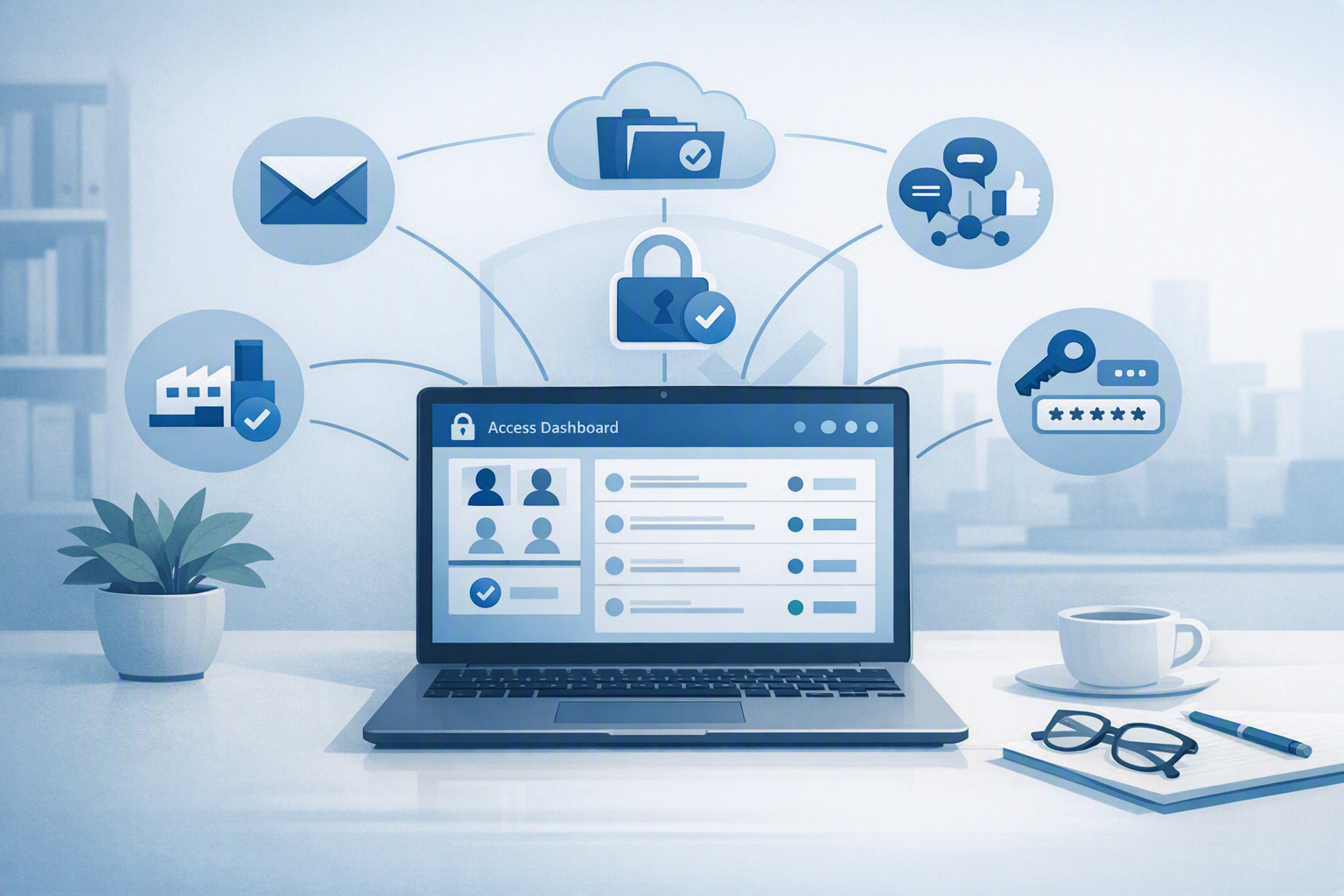
For Think Concepts managed service customers, offboarding starts with one clear step: tell us who is leaving and their final working day. From there, we check the systems they had access to and remove what needs to be removed across email, file storage, phones, applications and any other managed services linked to their role. The detail is unique to every person, which is exactly why it should not be squeezed in around everything else on someone's last Friday.
Behind that sits a password management system that can show every password a staff member has accessed and change them automatically when someone leaves. No spreadsheet archaeology, no wondering what they knew. And because access is documented from day one, the continuity problem never gets a chance to start: the business, not any one person, owns its accounts.
Make leaving as tidy as arriving
Staff turnover is normal. Losing control of your systems, your client database or your own Google profile should not be. Whether you want help building an offboarding process or want it handled for you as part of a managed service, we can make sure that when someone moves on, everything they were trusted with stays exactly where it belongs: with your business.
Talk to the Think Concepts team about managed IT services today.