
Who knows the Xero password when Karen is off sick?
Double-click to edit...
Dave runs a nine-person plumbing business in Tauranga. His office manager, Karen, rings in sick, and the same morning a supplier emails to say the portal login has expired and needs resetting. Dave has never signed in to it himself.
He opens the spreadsheet on the shared drive called Passwords, the one Karen set up years ago. The supplier portal is there, along with Xero, the courier account, the Facebook page, the power company and the van tracking. Half the entries say “same as email”. The spreadsheet is shared with everyone in the company, including two people who left last year.
Dave gets into the portal, closes the spreadsheet and gets on with his day. But the spreadsheet has shown the real problem: the business relies on one person knowing where its logins are, and the same passwords are being reused across accounts.
A password manager fixes both, and for a small team the more important fix is the first one. It puts the business, rather than one person, in charge of every login the business depends on.
What a password manager is
A password manager is an app that stores every username and password you have, locked behind one strong master password and multi-factor authentication (MFA), a second check such as a code from your phone. When you create a new account, it can generate a long random password you never have to remember.
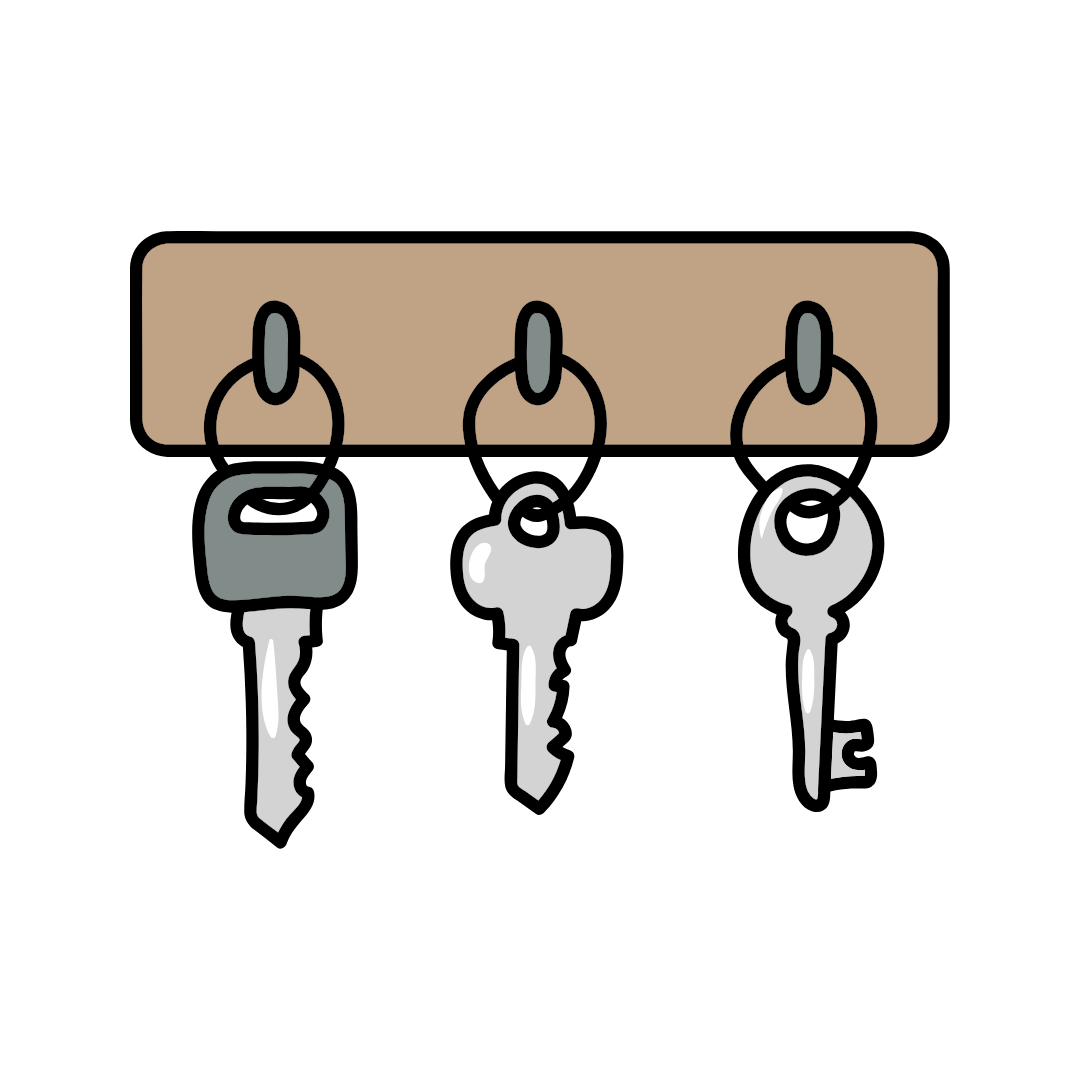
Think of a key cabinet on the workshop wall.
Every key has a labelled hook, the cabinet locks, and only the people who need a key can open it.
Dave’s company keys are on Karen’s keyring.
And a spare set is hanging on a hook by the back door for anyone to take.
Most people already carry the personal version on their phone, the keyring in their pocket. A business needs the cabinet, so no single person holds the only set.
Why “same as email” matters
People reuse passwords because remembering thirty different ones is impossible, and without a tool to help that is a reasonable thing to do. The problem comes when one of them leaks.
Websites get breached regularly, and the email addresses and passwords stolen from them are sold on. Criminals then try the same combinations on other sites, which the industry calls credential stuffing. If the supplier portal password is the same as the email password, a breach at some unrelated website becomes a way into your email, and from your email into everything else.
With a password manager, every login gets its own long random password, so a leak at one site opens one door. If you do have to make a password yourself, our guide to protecting your passwords covers what a good one looks like, including why four random words beat a jumble of symbols.
Why a team needs one the business owns
Telling staff to “use a password manager” usually means nine people each pick their own app and put the business logins in alongside their personal accounts. When someone leaves, the Xero login goes with them, and the business is no better off than it was with the spreadsheet.
A business password manager has a company vault, the term these tools use for a locked collection of logins, with shared folders inside it: one for accounts, one for the workshop, one for social media. Each person gets access to the folders they need and a private space for their own work logins.
Nobody is the one person who knows where everything is. Sharing a login means giving someone access to it rather than emailing it to them. When someone leaves, you switch off their access in one place and change the handful of passwords they could see. Our employee offboarding checklist covers what that looks like on the day.
Common questions about password managers
Is it safe to keep every password in one place?
Safer than a spreadsheet, a notebook or memory. Business password managers encrypt everything, and the master password plus the second check on your phone is what protects it, so the master password is the one to make long and keep to yourself.
What happens if the person with the master password leaves?
Each person has their own master password. If someone forgets theirs, they reset it through the password manager’s own reset process. If someone leaves, you switch off their access and the shared logins stay with the business.
We are moving to passkeys. Do we still need this?
Yes. Passkeys are still new, so not every website offers them yet, and many password managers do not store them yet either. Our first Cyber Smart Week article explains why passkeys are so hard for a fake page to steal. For the next few years your team will still have plenty of passwords to look after, and a password manager is the safest place to keep them.
Will the team actually use it?
They will if it saves them time on the first day. Load the shared logins in before you roll it out, so when staff need to get into Xero, they can copy the username and password from one secure place rather than opening an empty app they are expected to fill.
What to do this Cyber Smart Week
Find your version of the Passwords spreadsheet, and check who it is shared with.
List the logins the business depends on that only one person knows.
Choose a business password manager, so the business owns the vault.
Turn on the second check, the code from your phone, for the password manager itself.
Load the shared logins first, then invite the team.
How Think Concepts can help
A password manager makes access a business system, rather than something sitting in one employee’s head or spreadsheet.
We recommend PassPortal, a business password manager built for teams. It gives you a company vault for the shared logins, lets you decide who sees what, and makes it simple to remove someone’s access when they leave. Because a password manager protects the logins but not the moment someone is tricked into typing one, phishing awareness training through Phriendly Phishing covers the other half.
We can supply PassPortal for your business and talk you through whether it suits your team.